Flutter
Building an offline-first Flutter app with Hive and Supabase
Let people use your app from the first launch — no account, no signal — and sync to the cloud when they’re ready. The pattern behind HabitLoop.
 Talha Tanveer · 8 min read
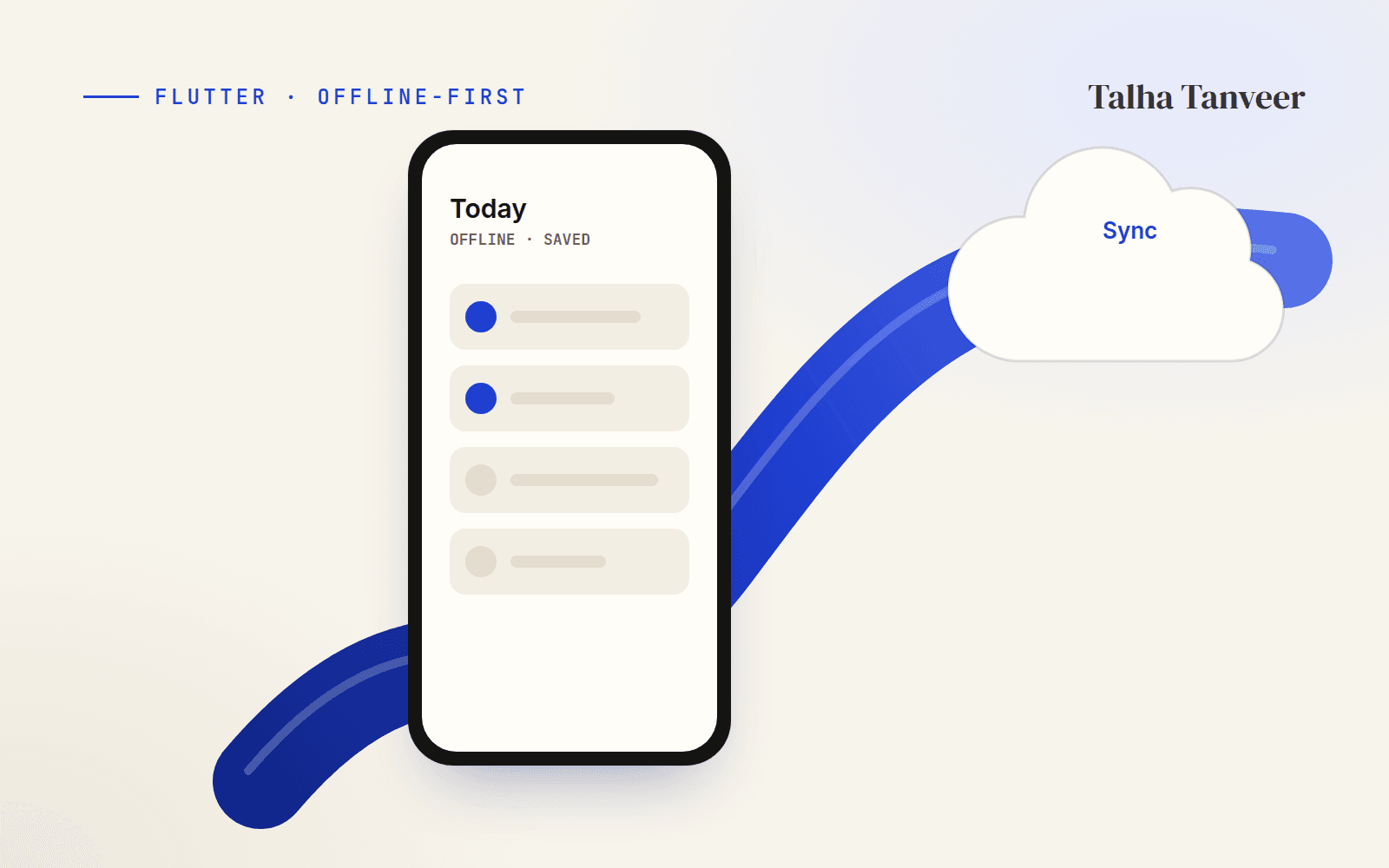
When I built HabitLoop, a daily habit tracker for Android, I wanted it to work the moment it was installed — no sign-up screen, no spinner waiting for a server. People should be able to create a habit on a train with no signal and have it still be there when they open the app tomorrow. Here’s the pattern I used with Flutter, Hive and Supabase.
Why offline-first
A habit app is opened for a few seconds at a time, often several times a day. If every tap waits for the network, the app feels slow exactly when it should feel instant. Offline-first flips the default: the phone is the source of truth for what the user sees, and the cloud is a backup and a way to move between devices.
The shape of the app
Local storage with Hive
Hive is a fast key-value store written in pure Dart, so it works the same on every platform Flutter supports. I keep one box per owner — a guest gets their own box, and a signed-in user gets one keyed by their id — so two people sharing a phone never see each other’s habits.
Future<Box<Habit>> openHabits(String ownerKey) async {
  // One box per owner: a guest gets 'guest', a signed-in user gets their id.
  return Hive.openBox<Habit>('habits_$ownerKey');
}

Future<void> main() async {
  WidgetsFlutterBinding.ensureInitialized();
  await Hive.initFlutter();
  Hive.registerAdapter(HabitAdapter());
  runApp(const ProviderScope(child: HabitLoopApp()));
}
A repository that writes locally first
The repository is the only thing the screens talk to. Saving writes to Hive straight away, then records that the habit needs uploading. The UI never waits for the network.
class HabitRepository {
  HabitRepository(this._box, this._queue);

  final Box<Habit> _box;
  final SyncQueue _queue;

  List<Habit> all() => _box.values.toList();

  Future<void> save(Habit habit) async {
    final updated = habit.copyWith(updatedAt: DateTime.now().toUtc());
    await _box.put(updated.id, updated);       // the UI updates immediately
    await _queue.enqueue(SyncOp.upsert(updated.id));
    unawaited(_queue.flush());                 // try now; retry later if offline
  }
}
Syncing to Supabase
The sync queue is just a second Hive box of ids waiting to be uploaded. Flushing tries each one; anything that fails stays in the queue and is retried when the app comes back online or returns to the foreground.
class SyncQueue {
  SyncQueue(this._pending, this._habits, this._client);

  final Box<String> _pending;   // ids waiting to be uploaded
  final Box<Habit> _habits;
  final SupabaseClient _client;

  Future<void> enqueue(SyncOp op) => _pending.put(op.id, op.id);

  Future<void> flush() async {
    if (_client.auth.currentUser == null) return;   // guests stay local

    for (final id in _pending.keys.cast<String>().toList()) {
      final habit = _habits.get(id);
      if (habit == null) { await _pending.delete(id); continue; }
      try {
        await _client.from('habits').upsert(habit.toRow(), onConflict: 'id');
        await _pending.delete(id);
      } catch (_) {
        return; // offline or server error — keep it queued for next time
      }
    }
  }
}
Conflicts. For habit settings, the newest updatedAt wins. Completions are different: they’re only ever added, so merging is simply “keep both” — nobody loses a streak because two devices synced in the wrong order.
From guest to account
The moment that most often loses data is sign-up. If someone has used the app for a week as a guest and then creates an account, their history has to come with them. On sign-in, the guest box is adopted by the new user and queued for upload:
Future<void> adoptGuestData(String userId) async {
  final guest = await openHabits('guest');
  final mine = await openHabits(userId);

  for (final habit in guest.values) {
    await mine.put(habit.id, habit.copyWith(ownerId: userId));
    await queue.enqueue(SyncOp.upsert(habit.id));
  }
  await guest.clear();
  await queue.flush();
}
Securing the data
The app ships only Supabase’s public (publishable) key, so the database itself has to enforce who can read what. Row Level Security makes every query behave as the signed-in user:
alter table public.habits enable row level security;

create policy "Users manage their own habits"
  on public.habits
  for all
  using (auth.uid() = user_id)
  with check (auth.uid() = user_id);
Never put a service-role key or an AI provider key in a mobile app. Anything in the app bundle can be extracted. Keep those in Edge Functions and call them from the app instead.
Offline-first takes a little more thought up front — a repository, a queue, a migration on sign-up — but it pays back every day the app is used. The goal is simple: nobody should ever notice the network at all.