APIs
Connecting Laravel to QuickBooks Online: OAuth, invoices and payment webhooks
How to let customers connect their QuickBooks account, push invoices from your app, and get payments back automatically — with the edge cases that matter.
 Talha Tanveer · 9 min read
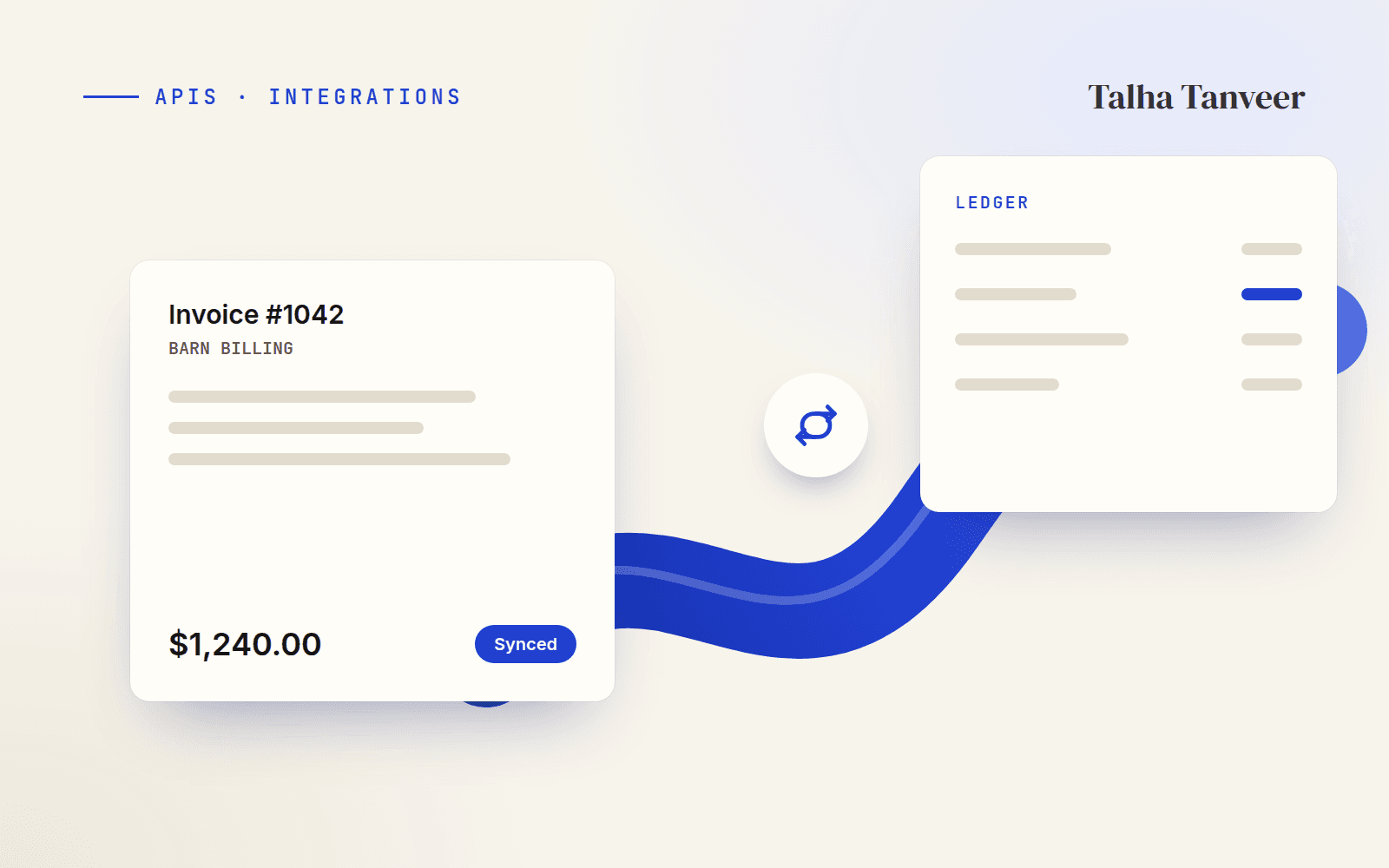
Sooner or later, a business app that sends invoices gets the same request: “Can this just show up in QuickBooks?” On an equestrian management platform I worked on, barn billing lived in the app while the accounts lived in QuickBooks, so every invoice had to exist in both places. This is how I connected the two — and the edge cases that turned out to matter more than the happy path.
How the pieces fit
There are three conversations between your app and QuickBooks: connecting an account, sending invoices out, and hearing about payments coming back in.
Connecting with OAuth 2.0
Each customer connects their own QuickBooks company, so you never handle their password. With Intuit’s PHP SDK (quickbooks/v3-php-sdk) you build a data service and send the user to Intuit’s consent screen:
use QuickBooksOnline\API\DataService\DataService;

$dataService = DataService::Configure([
    'auth_mode'    => 'oauth2',
    'ClientID'     => config('services.quickbooks.client_id'),
    'ClientSecret' => config('services.quickbooks.client_secret'),
    'RedirectURI'  => route('quickbooks.callback'),
    'scope'        => 'com.intuit.quickbooks.accounting',
    'baseUrl'      => config('services.quickbooks.environment'), // "Development" or "Production"
]);

return redirect($dataService->getOAuth2LoginHelper()->getAuthorizationCodeURL());
Intuit redirects back with an authorisation code and the company’s realmId. Exchange the code for tokens and store them encrypted against the account:
public function callback(Request $request)
{
    $helper = $this->dataService()->getOAuth2LoginHelper();
    $token  = $helper->exchangeAuthorizationCodeForToken($request->code, $request->realmId);

    $request->user()->account->update([
        'qb_realm_id'      => $request->realmId,
        'qb_access_token'  => encrypt($token->getAccessToken()),
        'qb_refresh_token' => encrypt($token->getRefreshToken()),
        'qb_expires_at'    => now()->addSeconds($token->getAccessTokenValidationPeriodInSeconds()),
    ]);

    return redirect()->route('settings.integrations')->with('status', 'QuickBooks connected.');
}
Tip. Check the state parameter on the callback against the one you sent, and give users a “Disconnect” button that revokes the tokens — they will ask for it.
Keeping tokens fresh
Access tokens only last an hour, so every call should go through one method that refreshes them when they’re close to expiring. The refresh token itself can change on each refresh — if you don’t save the new one, the connection silently breaks a few weeks later.
use QuickBooksOnline\API\Core\OAuth\OAuth2\OAuth2LoginHelper;

public function freshAccessToken(Account $account): string
{
    if ($account->qb_expires_at->isAfter(now()->addMinutes(5))) {
        return decrypt($account->qb_access_token);
    }

    $helper = new OAuth2LoginHelper(
        config('services.quickbooks.client_id'),
        config('services.quickbooks.client_secret'),
    );
    $token = $helper->refreshAccessTokenWithRefreshToken(decrypt($account->qb_refresh_token));

    // The refresh token can change on every refresh — always store the new one.
    $account->update([
        'qb_access_token'  => encrypt($token->getAccessToken()),
        'qb_refresh_token' => encrypt($token->getRefreshToken()),
        'qb_expires_at'    => now()->addSeconds($token->getAccessTokenValidationPeriodInSeconds()),
    ]);

    return $token->getAccessToken();
}
Pushing invoices
Each invoice needs a QuickBooks customer and line items that point at QuickBooks products or services. Store the QuickBooks ID on your own record as soon as it’s created — that one column is what makes every later step safe to retry.
use QuickBooksOnline\API\Facades\Invoice;

public function push(LocalInvoice $local): void
{
    if ($local->qb_invoice_id) {
        return; // already in QuickBooks — pushing twice would duplicate it
    }

    $invoice = Invoice::create([
        'CustomerRef' => ['value' => $this->customers->qbIdFor($local->customer)],
        'DocNumber'   => (string) $local->number,
        'Line'        => $local->items->map(fn ($item) => [
            'Amount'     => $item->total,
            'DetailType' => 'SalesItemLineDetail',
            'SalesItemLineDetail' => [
                'ItemRef'   => ['value' => $item->qb_item_id],
                'Qty'       => $item->quantity,
                'UnitPrice' => $item->unit_price,
            ],
        ])->all(),
    ]);

    $created = $this->dataService($local->account)->Add($invoice);

    if (! $created) {
        throw new QuickBooksException($this->dataService($local->account)->getLastError()->getResponseBody());
    }

    $local->update(['qb_invoice_id' => $created->Id]);
}
Watch out. Push invoices from a queued job, not inside the web request. QuickBooks can be slow or rate-limited, and a timeout in the request would leave the user wondering whether their invoice was saved.
Getting payments back with webhooks
When a customer pays in QuickBooks, Intuit calls your webhook. Verify the intuit-signature header first — it’s an HMAC-SHA256 of the raw body, keyed with your verifier token — then hand the work to a queue and reply quickly:
public function handle(Request $request)
{
    $expected = base64_encode(hash_hmac(
        'sha256',
        $request->getContent(),
        config('services.quickbooks.webhook_verifier_token'),
        true,
    ));

    abort_unless(hash_equals($expected, (string) $request->header('intuit-signature')), 401);

    foreach ($request->input('eventNotifications', []) as $notification) {
        foreach ($notification['dataChangeEvent']['entities'] ?? [] as $entity) {
            if ($entity['name'] === 'Payment') {
                SyncQuickBooksPayment::dispatch($notification['realmId'], $entity['id']);
            }
        }
    }

    return response()->noContent();
}
The notification only says which payment changed. The queued job fetches the payment, follows its linked transactions to the invoice, and marks your local invoice as paid. Remember to exclude the webhook route from CSRF protection.
Backfilling old invoices
New connections usually come with a history: months of invoices that never made it into QuickBooks. Because the push is idempotent, backfilling is just a command that queues everything without a QuickBooks ID, in small batches:
Artisan::command('quickbooks:backfill {account}', function (int $account) {
    LocalInvoice::query()
        ->where('account_id', $account)
        ->whereNull('qb_invoice_id')
        ->chunkById(50, function ($invoices) {
            foreach ($invoices as $invoice) {
                PushInvoiceToQuickBooks::dispatch($invoice);
            }
        });
});
The integration that shipped was mostly this: one token manager, one idempotent push, one verified webhook. Building those three carefully meant expired tokens, retries and missed notifications were boring instead of urgent — which is exactly what you want from anything that touches someone’s accounts.